



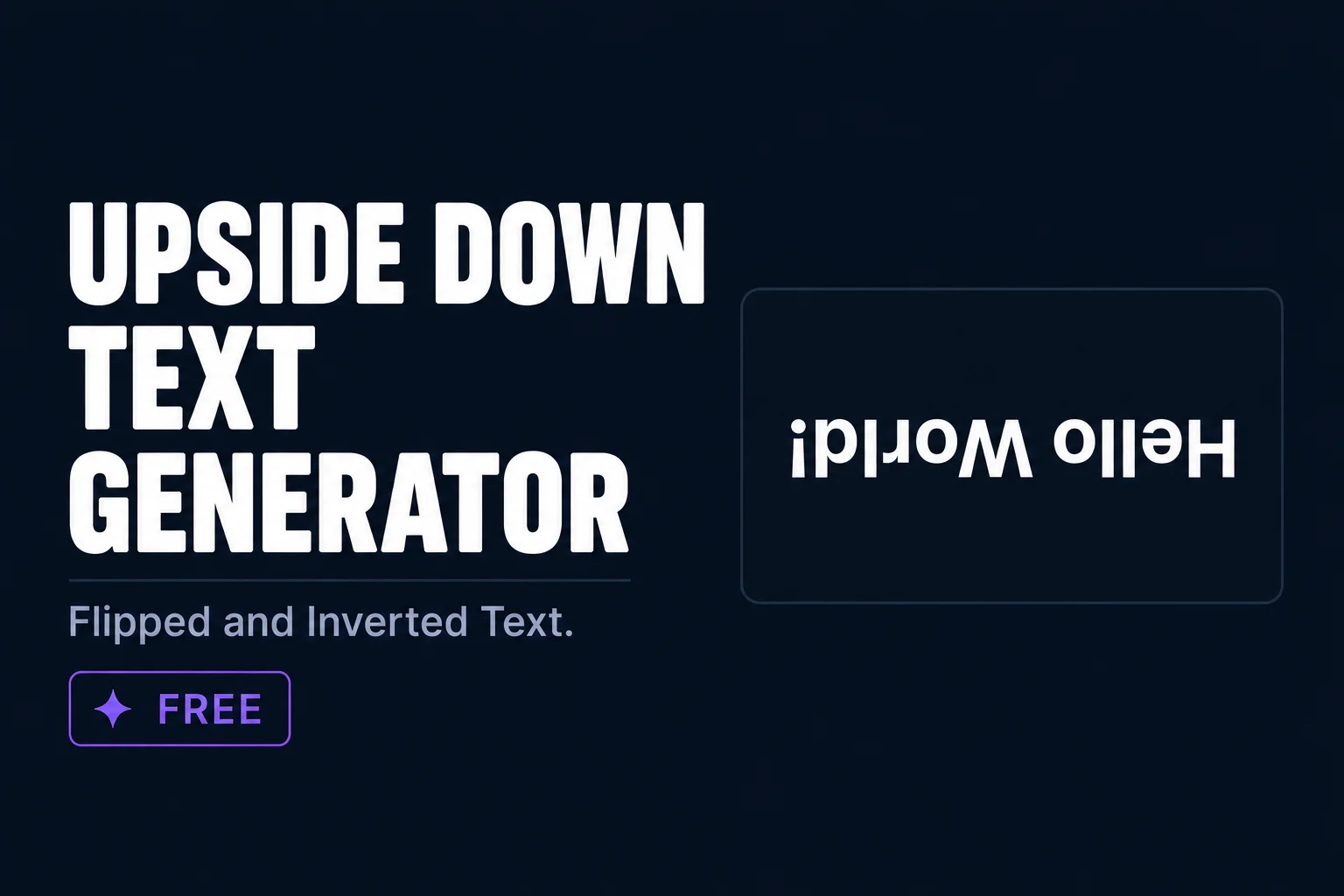
Quick answer: An upside down text generator flips your text vertically using Unicode characters that look like upside down letters. Works on Instagram, Discord, WhatsApp, and TikTok. Free and copy paste ready.
Upside down text uses Unicode characters that look like flipped or inverted versions of standard letters. The result is text that appears turned upside down, which makes for a fun and eye-catching effect in captions and social media posts. TextChic gives you upside down and other creative text styles, all free to copy in one tap.
What is upside down text?
Upside down text uses Unicode characters from various Unicode blocks that look like vertically flipped versions of standard letters. Not every letter has a perfect upside down equivalent in Unicode, so the generator uses the closest visual match for each character. The output reads normally when you physically flip your screen.
How to generate upside down text
- Type your text aboveEnter any word or phrase you want flipped.
- Find the upside down styleLook for the inverted text in the output.
- Copy in one tapHit copy next to the upside down style.
- Paste anywhereWorks on Instagram, Discord, WhatsApp, and TikTok.
How upside down text works
Upside down text works by substituting each standard letter with a Unicode character that looks like a 180-degree rotation of the original. The character order is also reversed so that when the full text is flipped, it reads correctly from the perspective of someone viewing it right-side up from the other end.
For example, the letter “a” is substituted with ɐ, “b” with q (visually flipped), “e” with ǝ, and so on. These substitution characters come from various Unicode blocks including Latin Extended and the IPA Extensions block, where linguists stored phonetic symbols that happen to resemble inverted Latin letters. The generator combines these substitutions with character order reversal to produce text that, when you physically rotate your device 180 degrees, reads as the original input.
Not every character has a perfect Unicode flip equivalent. Numbers and some punctuation marks use approximations or are left unchanged. The overall upside down effect is convincing for alphabetic text even where individual character flips are approximate rather than exact.
Best platforms and use cases for upside down text
- Instagram captions and bios — Upside down text in a caption creates an immediate visual puzzle. Captions that start with an upside down phrase and invite readers to rotate their phone create genuine interaction and comments from people who engaged with the gimmick.
- Twitter/X posts — Used for jokes, riddles, and reveal posts. The upside down format is a classic Twitter humor device where the punchline is revealed when you rotate the screen.
- Discord usernames — Upside down display names are highly memorable in servers because they visually break the pattern of normal text names. Other members notice and remember them.
- Gaming usernames — Works in games that accept Unicode input. Creates a distinctive identity that is genuinely unusual in most gaming communities.
- Text message pranks — A classic use case. Sending a message in upside down text to a contact who does not know the trick creates genuine confusion that resolves when they rotate the phone.
- Novelty branding — Some brands and creators use upside down text as a signature visual element for specific content series or brand sub-identities.
Upside down text for content engagement
Among all the Unicode text effects available, upside down text is one of the highest-engagement options specifically because it requires physical participation. Asking a viewer to rotate their device is a higher level of engagement than asking them to read or click. That physical action creates a memorable moment tied to your content.
The most effective upside down text content formats use the flip as the payload of a joke, the reveal of an answer, or the hidden version of a confession. Set up the context in normal text, deliver the key line in upside down text, and the audience interaction takes care of itself. Comments from people confirming what they read when they flipped their phone extend the post’s engagement window significantly.
Upside down text versus mirror text versus reverse text
- Upside down text — Characters rotated 180 degrees with order reversed. Reads correctly when device is physically rotated. Uses character substitutions from IPA and Latin Extended Unicode blocks.
- Mirror text — Characters horizontally flipped with order reversed. Looks like a mirror reflection. Uses Unicode characters that visually resemble horizontal flips of standard letters.
- Reverse text — Character order reversed only, no character substitutions. Uses standard characters. “Hello” becomes “olleH”. More universally readable as a simple word puzzle.
Each effect creates a different kind of visual puzzle. Upside down is the most dramatic because it requires physical device interaction to decode. Mirror is the most visually striking because the reflection effect is immediately noticeable. Reverse is the most accessible puzzle because viewers can solve it mentally without rotating anything.
Upside down text in different cultural contexts
Upside down text has been used in various cultural contexts long before the internet. In physical typography, inverted text has been used for effect in book covers, advertising, and art installations for over a century. In cryptography and puzzle design, inverted text is one of the simplest encoding techniques. On the internet, it has evolved into a humor format and aesthetic element with its own community of users who appreciate its combination of function and visual surprise.
On TikTok and Instagram, upside down text content performs particularly well in challenge and trend contexts where participation is part of the format. Challenges that ask followers to post their own upside down text responses create community engagement loops that extend the original post’s reach far beyond its initial audience.
Practical tips for using upside down text
Keep upside down text to short phrases for maximum readability. Single words, short sentences, and punchlines work best. Long paragraphs in upside down text become hard to decode even when the device is rotated, which defeats the purpose and frustrates rather than engages the viewer.
Always pair upside down text with context in normal text that tells viewers what they are looking at. A caption that starts with “Flip your phone:” followed by upside down text performs better than upside down text with no context, because the instruction removes friction and increases the percentage of viewers who actually participate.
Frequently asked questions
What is upside down text?
Upside down text uses Unicode characters that look like vertically flipped versions of standard letters. The text appears inverted and reads normally when you flip your screen.
Does upside down text work on Instagram?
Yes. The Unicode characters used for upside down text work on Instagram captions and comments on both Android and iPhone.
Is the upside down text generator free?
Yes. TextChic is completely free with no account or registration needed.
Does upside down text work on all phones?
Yes. Upside down text uses Unicode substitution characters that render on all modern devices including iPhone and Android. The visual effect is in the characters themselves, not in any font or display setting. Every viewer sees the same upside down appearance regardless of their device, operating system, or app version.
How do I make upside down text readable on Instagram?
Paste your upside down text from TextChic into your Instagram caption or bio. Add a line before it instructing viewers to rotate their phone or device. This instruction increases engagement because it removes the friction of figuring out what to do. The upside down text itself renders correctly in all Instagram text fields on both iPhone and Android.
Can upside down text be used in a gaming username?
Yes, in games that accept Unicode input in player names. Copy your upside down username from TextChic and paste it into the game name field. The characters render as upside down text in kill feeds, lobby screens, and profile views in games that support Unicode name input like Roblox, some Minecraft servers, and Discord display names.
