



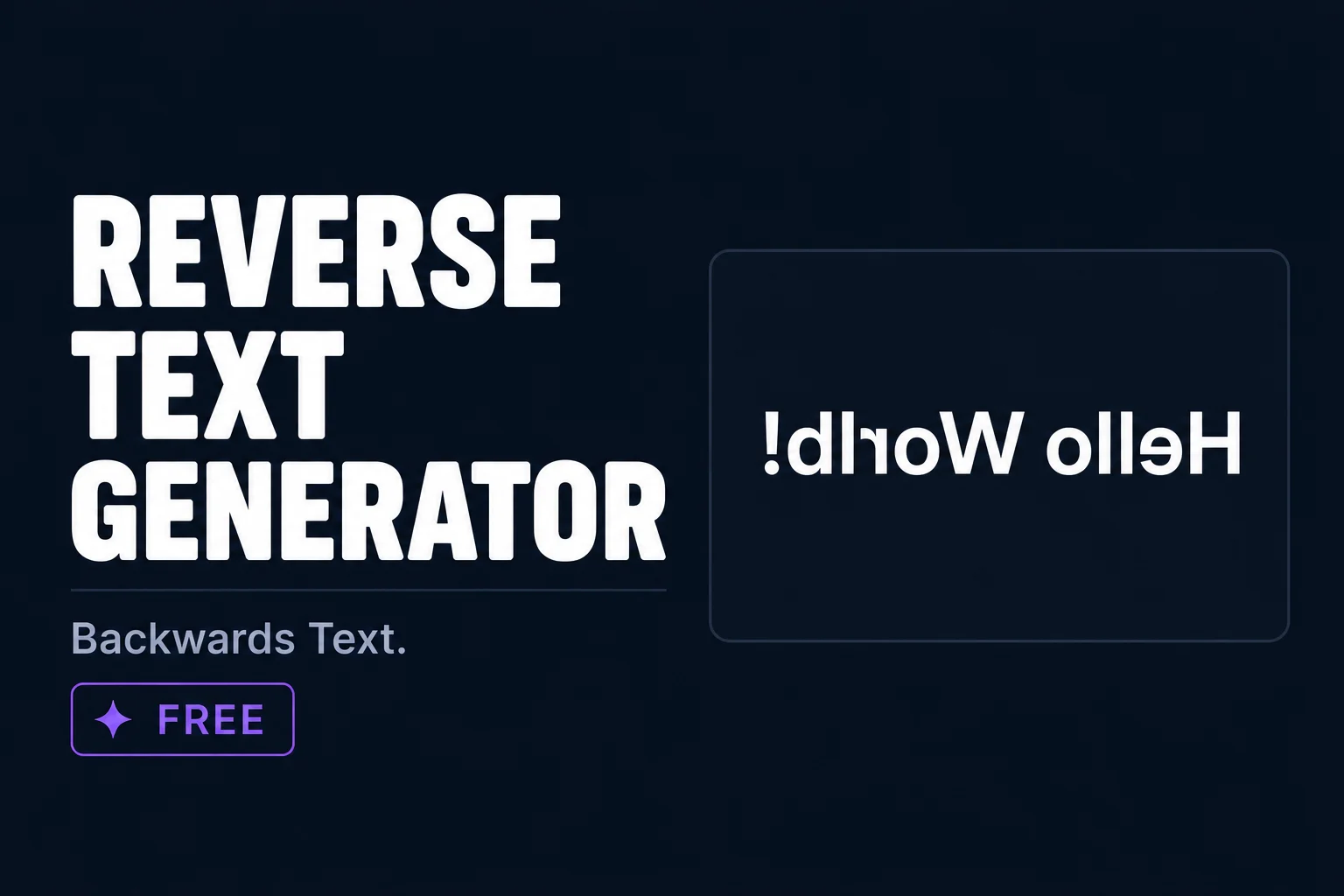
Quick answer: A reverse text generator reverses the order of your letters to create backwards text. Works on Instagram, Discord, WhatsApp, and TikTok. Free and copy paste ready.
Reverse text creates a fun backwards version of your words by flipping the order of letters. It is used for creative captions, puzzles, and dark aesthetic posts. TextChic gives you reverse and mirror text styles, all free to copy in one tap.
What is reverse text?
Reverse text simply reverses the order of characters in your input. So hello becomes olleh. This is different from mirror text which flips each individual character. Reverse text keeps the characters the same but puts them in the opposite order, which can only be read by going right to left.
How to generate reverse text
- Type your text aboveEnter any word or phrase.
- Find the reverse styleLook for the backwards text in the output.
- Copy in one tapHit copy next to the reverse style.
How reverse text actually works
Reverse text generators take each character in your input and output them in opposite order so the last character becomes first. The result looks like mirror writing or backwards text. Unlike some Unicode transformations that substitute characters from different blocks, reverse text uses the same characters as your original input — just reordered.
Some generators also offer mirror flip effects where individual characters are substituted with their mirrored Unicode equivalents. This creates a more convincing reflected text effect than simple reversal. TextChic gives you both options so you can pick the right effect for your use case.
Best platforms and use cases for reverse text
- Instagram captions and bios — Reverse text in a caption creates a visual puzzle that encourages engagement. Readers stop to decode it, which increases time-on-post and interaction signals.
- Discord usernames — A reversed username in a server creates an instantly memorable identity that stands out from normal text names.
- Twitter/X posts — Used for riddles, jokes, or spoiler-hiding where you want the punchline to require effort to read.
- Game profile names — Some gaming communities use reversed text as a stylistic choice to create a disorienting or mysterious identity.
- Creative writing and puzzles — Reverse text is a classic tool for creating simple encoded messages, quiz content, and word puzzle posts.
Reverse text examples
Here is what text looks like when reversed:
- TextChic → cihCtxeT
- Hello World → dlroW olleH
- Instagram Bio → oiB margatsnI
The reversed version uses all the same characters as the original. That is why it pastes cleanly on every platform without any Unicode compatibility concerns. If the platform can display the original text, it can display the reversed version.
Creative ways to use reverse text
Reverse text works best when the content invites interaction. Use it to hide a surprise or punchline in a social media caption where followers can try to decode it. Use it in a quiz post where the answer is written in reverse so people can self-check without spoiling it for others. Use it in a username or display name to create a mysterious or distinctive identity that people remember because they had to work to read it.
It also works as a simple content hook. A caption that starts with a backwards sentence followed by the instruction “read it backwards for the surprise” gets significantly more engagement than the same content written normally. The interactivity is the value, not just the visual style.
Frequently asked questions
What is reverse text?
Reverse text reverses the order of characters in your input so the text reads backwards from right to left. It is used for creative captions, fun effects, and dark aesthetic posts.
Is the reverse text generator free?
Yes. TextChic is completely free with no account or registration needed.
Does reverse text work on all platforms?
Yes. Reverse text uses the same standard characters as normal text, just in reversed order. There are no special Unicode characters involved so it works on every platform that accepts text including Instagram, TikTok, Twitter, Discord, WhatsApp, and Facebook.
What is the difference between reverse text and mirror text?
Reverse text reorders characters so the last character comes first. Mirror text flips individual characters horizontally using Unicode equivalents that look like reflected versions of normal letters. Reverse text is simpler and works universally. Mirror text creates a more visually convincing reflected effect but depends on Unicode character availability.
Can I use reverse text in my Instagram bio?
Yes. Copy your reversed text from TextChic and paste it directly into the Instagram bio field. It displays correctly on both iPhone and Android without any special configuration. Many accounts use a single reversed line in their bio as an interactive element that invites profile visitors to decode it.
