



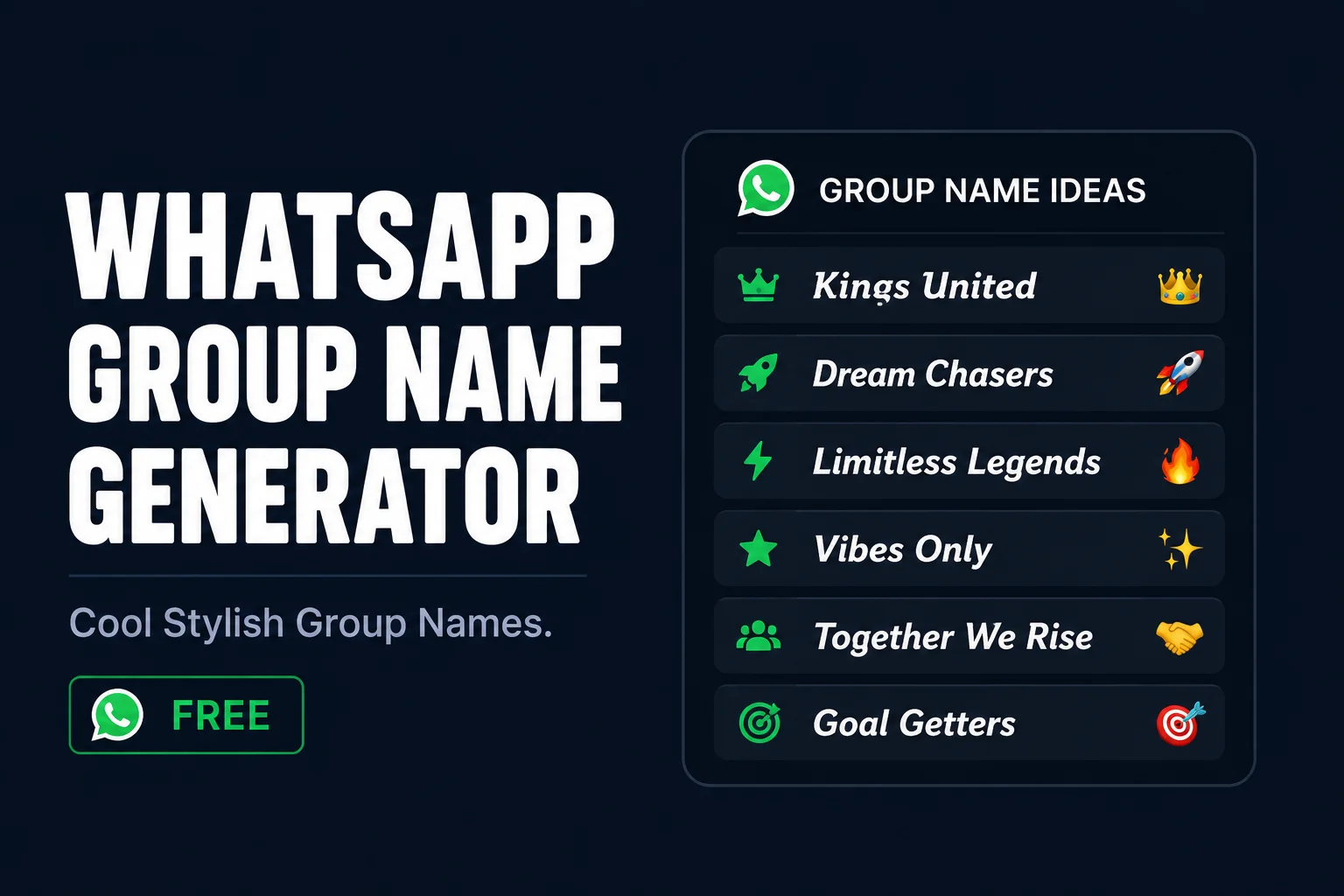
Quick answer: A WhatsApp group name generator creates stylish Unicode group names for family, friends, work, and fun groups. Copy and paste instantly into WhatsApp. 25-character limit applies. Free and no app needed.
A stylish WhatsApp group name makes the group feel more official and fun. TextChic gives you 260+ font styles to create a group name that stands out in everyone’s chat list, all free to copy in one tap.
WhatsApp group name examples by type
| Group Type | Stylish Name Example | Style Used |
|---|---|---|
| Family group | 𝓕𝓪𝓶𝓲𝓵𝔂 💕 | Cursive |
| Friends group | 𝗕𝗲𝘀𝘁𝗶𝗲𝘀 🔥 | Bold |
| Work group | ᴛᴇᴀᴍ ᴡᴏʀᴋ 💼 | Small caps |
| Gaming group | ꧁𝓖𝓪𝓶𝓮𝓻𝓼꧂ | Symbolic |
| Study group | 𝓢𝓽𝓾𝓭𝔂 𝓖𝓪𝓷𝓰 📚 | Cursive |
How to change your WhatsApp group name
- Type your group name aboveKeep it under 25 characters including symbols.
- Choose a styleCursive, bold, and small caps work best for group names.
- Copy in one tapHit copy next to your chosen style.
- Open WhatsAppGo to the group, tap the group name at the top, and edit it.
- Paste and savePaste your stylish name and tap the checkmark to save.
Why WhatsApp group name styling matters
WhatsApp group names show up constantly in notification previews, chat list displays, and conversation headers. A group with a styled Unicode name stands out immediately in a notification tray full of plain text group names. That visual distinction signals to members that the group is intentionally maintained — not just a default chat created and forgotten.
For business and professional groups, a styled name creates a more polished first impression. For friend groups and communities, it creates an identity that members feel proud to represent. The name is often the first thing new members see before they read a single message, so it sets the tone for the entire group.
Best WhatsApp group name categories
- Family groups — Script or elegant Unicode styles with warm keywords like 𝓣𝓱𝓮 𝓵𝓪𝓲𝓪𝓹𝓮 create a sense of closeness and tradition that plain text cannot.
- Friend and social groups — Funny or casual Unicode styling with playful keywords works well for friend circles. Bold or bubble text in a humorous phrase creates a group identity that members enjoy seeing in their notifications.
- Business and professional groups — Clean bold Unicode gives a professional group name more visual weight and authority compared to plain text.
- Community and interest groups — Styled names for hobby groups, fan communities, or local organisations help the group stand out as a dedicated space rather than a casual chat.
- Study and class groups — A styled group name makes academic or study groups feel more official and worth taking seriously.
WhatsApp group name style examples
Here is what different Unicode styles look like in a WhatsApp group name context:
- Bold professional: 𝘇𝘪𝘣𝘢𝘥 𝘞𝘝𝘩𝘪𝘦𝘹𝘦𝘯𝘵𝘴
- Script family: 𝒵𝒮 𝓉𝒮𝒢𝒮𝓍 𝒢𝒻𝒸𝒮𝒹
- Bold casual: 𝘷𝘪𝘣𝘪𝘤𝘶 𝘕𝘦𝘰𝘱𝘭𝘦
The bold professional style maintains readability at small notification sizes. Script works best for groups where the name is seen in the full chat header rather than notification preview. Casual bold balances style with instant readability for social groups.
How to change a WhatsApp group name with a stylised font
- Generate your group name on TextChic — type the name, browse styles, and copy the Unicode version you want.
- Open WhatsApp and navigate to the group chat.
- Tap the group name at the top of the chat screen to open Group Info.
- Tap the edit icon next to the group name.
- Clear the existing name, paste your new styled Unicode text, and confirm the change.
Only group admins can change the group name on WhatsApp. If you are not an admin, share the styled name with the group admin and ask them to make the change. The new name takes effect immediately for all group members.
Frequently asked questions
What is the WhatsApp group name character limit?
WhatsApp group names can be up to 25 characters. Some Unicode styles use more space per character than regular letters, so test your name before finalising it.
Do stylish fonts work in WhatsApp group names?
Yes. WhatsApp group names support Unicode characters. Bold, cursive, and small caps styles all display correctly for all group members.
Is the WhatsApp group name generator free?
Yes. TextChic is completely free with no account or registration needed.
Can only admins change a WhatsApp group name?
By default, only group admins can edit the group name on WhatsApp. Group settings can be changed by an admin to allow all participants to edit the group info including the name. If you are not an admin, share your styled name with the group admin and ask them to update it.
What is the character limit for WhatsApp group names?
WhatsApp group names can be up to 100 characters long. This gives you more than enough room for a styled Unicode name with border symbols. Keep in mind that notification previews only show the first 20 to 30 characters, so put the most distinctive part of the name at the beginning.
Does a stylised WhatsApp group name look the same for all members?
Yes. Unicode characters render the same for all group members regardless of their device or operating system. Every member sees the same styled name in their chat list, notification previews, and group info screen. The style does not depend on any installed font.
