



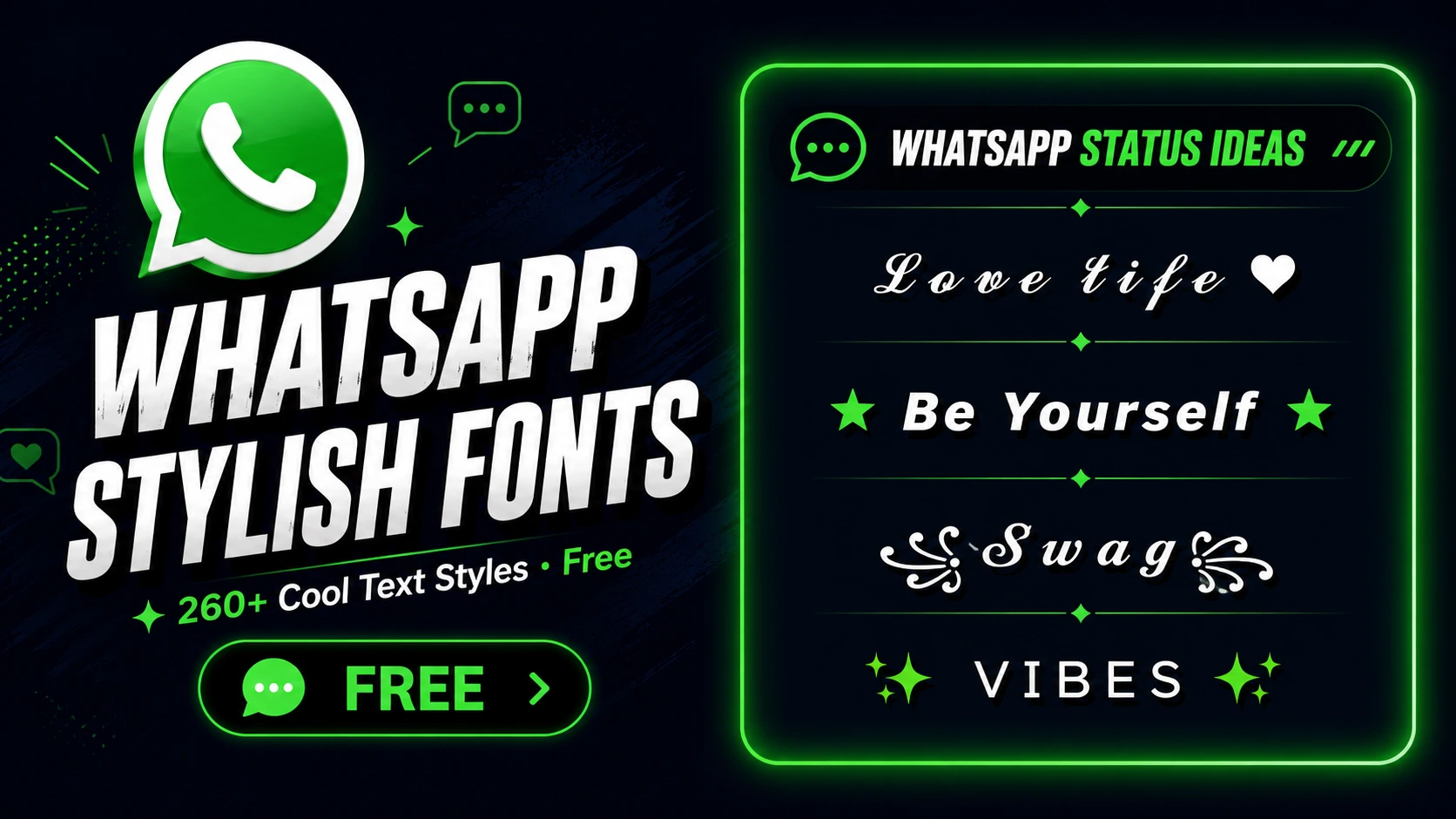
WhatsApp does not have a built-in font picker for status updates or profile bios. But it fully supports Unicode text — which means any stylish font you generate on TextChic displays perfectly for everyone who sees your profile or status.
Do Stylish Fonts Work on WhatsApp?
Yes. WhatsApp uses Unicode text throughout the app. When you paste a Unicode-styled character, WhatsApp treats it as any other text and displays it exactly as it appears — on all devices, operating systems, and WhatsApp versions.
These are not actual font changes inside the app. What you are using are Unicode characters that look like stylish letters. They work identically for every person who reads them, whether they are on Android or iPhone.
How to Add Stylish Text to WhatsApp Status
- Generate your status text
Go to TextChic’s WhatsApp Stylish Text Generator. Type your status message. Choose a style. Copy it. - Open WhatsApp
Open WhatsApp on your phone. Tap the Status tab at the bottom of the screen. - Create a text status
Tap the pencil icon to create a text status. Long-press in the text field and select Paste. - Post
Choose a background colour if you like. Tap the send button. Your stylish status is live.
How to Add Stylish Fonts to WhatsApp Bio
- Generate your bio text on TextChic. Keep it short.
- Open WhatsApp → Settings (bottom right) → tap your profile name at the top.
- Tap the About section. Delete your current bio.
- Long-press the field → select Paste. Tap the tick to save.
Your stylish bio now shows on your WhatsApp profile whenever someone views your contact details.
How to Use Stylish Names for WhatsApp Groups
- Generate a stylish group name on TextChic. Short, bold, or bordered styles work best.
- Open your WhatsApp group. Tap the group name at the very top of the chat.
- Tap the edit icon. Delete the current name. Paste your TextChic stylish name.
- Tap Save. All group members will see the updated name.
Best Font Styles for WhatsApp
| Style Type | Works Well | Why |
|---|---|---|
| Bold Unicode | ✅ Yes | Clear and readable in small notifications |
| Cursive | ✅ Yes | Elegant, renders cleanly on all screens |
| Aesthetic | ✅ Yes | Clean on all screen sizes |
| Gothic | ✅ Yes | Strong visual identity |
| Zalgo / Glitch | ⚠️ Use sparingly | Can look messy in chat notification previews |
WhatsApp Status Ideas with Stylish Fonts
Ready-to-use status lines — copy directly:
𝓗𝓪𝓹𝓹𝓲𝓷𝓮𝓼𝓼 𝓲𝓼 𝓪 𝓬𝓱𝓸𝓲𝓬𝓮 ✨
★𝗙𝗼𝗰𝘂𝘀𝗲𝗱 𝗮𝗻𝗱 𝗙𝗲𝗮𝗿𝗹𝗲𝘀𝘀★
𝔹𝕖 𝕪𝕠𝕦𝕣𝕤𝕖𝕝𝕗 💚
꧁𝓥𝓲𝓫𝓮𝓼 𝓞𝓷𝓵𝔂꧂
𝓦𝓸𝓻𝓴 𝓲𝓷 𝓼𝓲𝓵𝓮𝓷𝓬𝓮 🖤
★𝗟𝗶𝘃𝗶𝗻𝗴 𝗠𝘆 𝗕𝗲𝘀𝘁 𝗟𝗶𝗳𝗲★
꧁𝓓𝓻𝓮𝓪𝓶𝓮𝓻 𝓑𝔂 𝓝𝓪𝓽𝓾𝓻𝓮꧂
Frequently Asked Questions
Do stylish fonts work on WhatsApp?
Yes. WhatsApp supports Unicode text — stylish fonts from TextChic display correctly on all devices for every person in your contact list.
How do I add stylish text to my WhatsApp status?
Generate on TextChic → copy → open WhatsApp Status tab → tap pencil icon → paste → post.
Can I use fancy fonts in WhatsApp group names?
Yes. Open the group → tap the group name at top → edit → paste your TextChic text → save.
Does stylish text work in WhatsApp bio?
Yes. Settings → Profile → About → paste your TextChic text → save.
Which font styles work best for WhatsApp?
Bold, cursive, and aesthetic styles. Avoid Zalgo or heavy combining-character styles in chat previews as they can appear distorted in notification bars.
Related Tools on TextChic
- WhatsApp Stylish Text Generator
- WhatsApp Group Name Generator
- Aesthetic Text Generator
- Stylish Text Generator
