



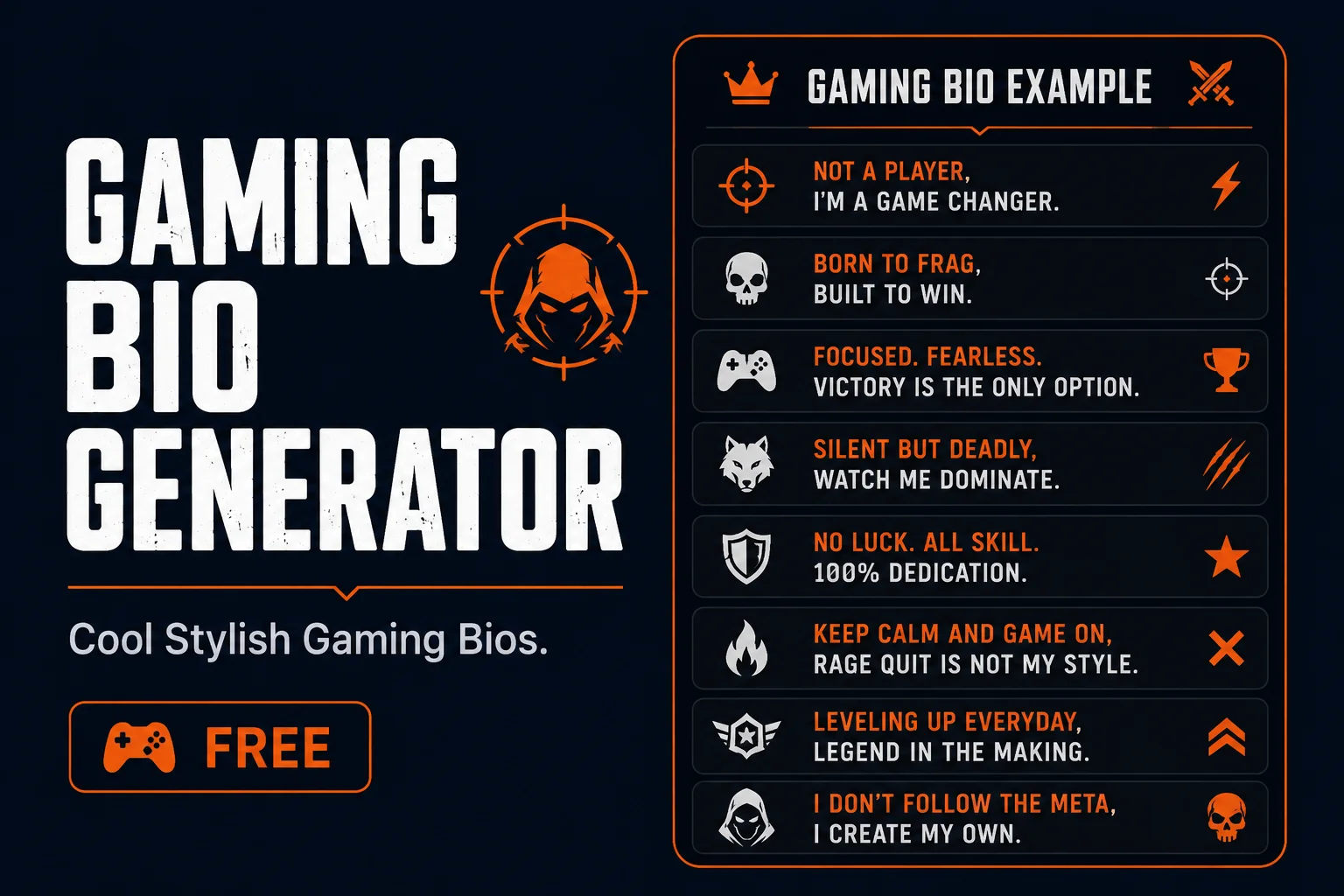
Quick answer: A gaming bio generator creates cool stylish bios for gamer Instagram, Discord, and TikTok profiles. Bold, symbolic, and gaming font styles work best. Free and copy paste ready.
A gamer’s social media bio should match their in-game identity. Bold fonts, gaming symbols, and powerful styling make your profile instantly recognisable to other gamers. TextChic gives you the right styles to build a gaming bio that stands out, all free to copy in one tap.
Gaming bio examples
Free Fire Gamer
꧁𝓟𝓻𝓸 𝓟𝓵𝓪𝔂𝓮𝓻꧂ 🎮
𝗙𝗿𝗲𝗲 𝗙𝗶𝗿𝗲 · 𝗣𝗨𝗕𝗚
📲 Clips daily
Streamer Bio
𝓢𝓽𝓻𝓮𝓪𝓶𝓮𝓻 🎯
ʟɪᴠᴇ ᴅᴀɪʟʏ
👇 Watch now
Competitive Gamer
𝗖𝗼𝗺𝗽𝗲𝘁𝗶𝘁𝗶𝘃𝗲 𝗣𝗹𝗮𝘆𝗲𝗿 ⚡
𝗥𝗮𝗻𝗸𝗲𝗱 𝗚𝗿𝗶𝗻𝗱𝗲𝗿
🎮 No days off
Casual Gamer
ɢᴀᴍɪɴɢ ɪꜱ ʟɪꜰᴇ 🕹
𝘊𝘢𝘴𝘶𝘢𝘭 𝘗𝘭𝘢𝘺𝘦𝘳
Just here for fun
How to create a gaming bio
- Decide your gaming identityPro player, streamer, casual gamer, content creator. Pick one clear angle.
- Write 2 to 3 linesGame you play, your style, and a call to action or social link.
- Type each line into TextChicBold for the main line, small caps or plain for the rest.
- Copy and paste into your bioOpen your profile and paste your styled gaming bio.
What makes a great gaming bio
A great gaming bio does three things in a very short space: it communicates what games you play, establishes your playing identity, and uses visual styling that signals you are a serious and intentional player. Most gaming bios fail by being either too generic (just listing games played) or too cluttered (trying to say everything at once).
The most effective gaming bios lead with identity rather than information. Instead of listing five games and your region, start with the identity you want to project — competitive sniper, casual builder, squad leader, solo grinder — and let one or two specific details follow. The gaming community responds to players who know who they are. A bio that projects a clear identity gets more follows, more squad invites, and more respect from other players than a generic information dump.
Gaming bio structure that works across platforms
- Line 1: Your gaming identity — One phrase that captures who you are as a player. Not “I play PUBG” but “Ranked grinder | Squad IGL” or “Solo carry main | No mic needed”. This is your hook.
- Line 2: Your game or games — Keep it to two games maximum. Listing every game you have ever played dilutes your identity. Specificity signals focus and commitment.
- Line 3: A personality or attitude marker — One line that says something about who you are beyond the games. A dry observation, a play style detail, or a community interest that invites connection.
- Line 4 (optional): Contact or link — Guild recruitment status, Discord server link, or streaming schedule if relevant.
This four-line structure fits all major platform bio character limits and works for both casual and competitive gaming profiles. The key is treating each line as a distinct content layer rather than a continuation of the same thought.
Gaming bio styles by game genre
Different game genres have distinct community cultures, and your gaming bio should match the visual language of your genre’s community:
- Battle Royale (PUBG, Free Fire, Fortnite) — Aggressive, confident language. Gothic or bold Unicode font styling. Keywords: ranked, elite, squad, carry, aggressive, sniper, IGL. Border symbols are standard and expected.
- FPS (Valorant, COD, CS2) — Precise, tactical language. Clean bold or italic Unicode. Keywords: aim, ranked, clutch, competitive, solo, duo. Less decoration, more clean identity.
- MMORPG (Roblox, Minecraft, game servers) — Community-first language. Friendly Unicode styles. Keywords: builder, crafter, guild, server, content, community. Warmer tone overall.
- Esports and competitive — Professional language. Minimal decoration. Team or org tag. Record or rank listed. Clean and credible over flashy.
- Casual gaming — Personality-forward language. Humor is appropriate here. Cute or playful Unicode styles work well for casual gaming profiles.
Gaming bios for Discord servers
Discord About Me sections support longer bios than most social platforms, typically up to 190 characters for regular users. This extra space lets gaming bios go slightly deeper. A Discord gaming bio can include: your main game, your playing schedule, your preferred playstyle, and your Discord server role or interests, all within a single cohesive identity statement.
Discord gaming communities also have their own visual language. Gothic Fraktur and bold Unicode are dominant in competitive gaming servers. Monospace Unicode is popular in tech-adjacent gaming communities. Script and script-adjacent styles are popular in roleplay and creative gaming communities. Match your font choice to the specific Discord community you are building a presence in.
Using TextChic for gaming bio font styling
TextChic generates over 260 font styles simultaneously from a single text input. For gaming bio styling, the fastest workflow is: type your full bio text, scan the full style output to see which font fits your identity, copy it, and paste it into your platform bio field. The generator shows every available style in parallel so you can compare without regenerating for each option.
For gaming usernames specifically, the most useful TextChic feature is the ability to style short words and names in Gothic Fraktur, Bold, and Script simultaneously so you can compare how the same word looks across the styles most commonly used in gaming communities. This comparison-first approach lets you make a more confident choice before committing to a Rename Card or profile update.
Gaming bio examples by playing style
Here are concrete gaming bio formats for different playing identities:
The Competitive Main: “Ranked grinder | PUBG + Valorant | IGL for hire | No casuals please”
The Casual Builder: “Minecraft + Roblox | Building is my therapy | Community server in bio”
The Solo Carry: “Solo queue specialist | If I die it was lag | Clutch or kick”
The Squad Leader: “IGL | Comms-based squad play | Looking for dedicated players”
The Streamer: “Content creator | Live daily | Variety gaming | Links below”
Frequently asked questions
What is a gaming bio generator?
A gaming bio generator creates bold and stylish bios for gamer profiles on Instagram, Discord, and TikTok. It uses Unicode font styles that work on all platforms without any installation.
Which font styles work best for gaming bios?
Bold, symbolic, and cursive Unicode styles work best for gaming bios. Bold creates a strong powerful feel. Symbolic borders add a classic gaming name look. Small caps work for a cleaner, more readable style.
Is the gaming bio generator free?
Yes. TextChic is completely free with no account or registration needed.
What should I include in a gaming bio?
A strong gaming bio includes your playing identity, the games you play, your playstyle or role, and optionally a contact or community link. Keep it to three or four lines maximum. Lead with identity rather than just listing games. One line that says who you are as a player is more engaging than five lines listing every game you have tried.
What font style works best for gaming bios?
For competitive and battle royale gaming, Gothic Fraktur and bold Unicode are the dominant community styles. For FPS and esports contexts, clean bold or italic Unicode is more appropriate. For casual gaming communities, script or friendly rounded styles work well. Match your font style to the specific game community you are part of rather than using the most visually complex style available.
Can I use the same gaming bio across multiple platforms?
Yes, with minor adjustments for each platform’s character limit and audience. Your core identity and game information can stay the same. Adjust the length for each platform — shorter for Instagram and TikTok, longer for Discord About Me. The Unicode font styling you choose will render correctly across all platforms that support Unicode text input.
